Turn YouTube Into Your Career Learning Platform
Paste any video or playlist, take timestamped notes, track your progress, and follow structured courses and learning paths — all in one place.
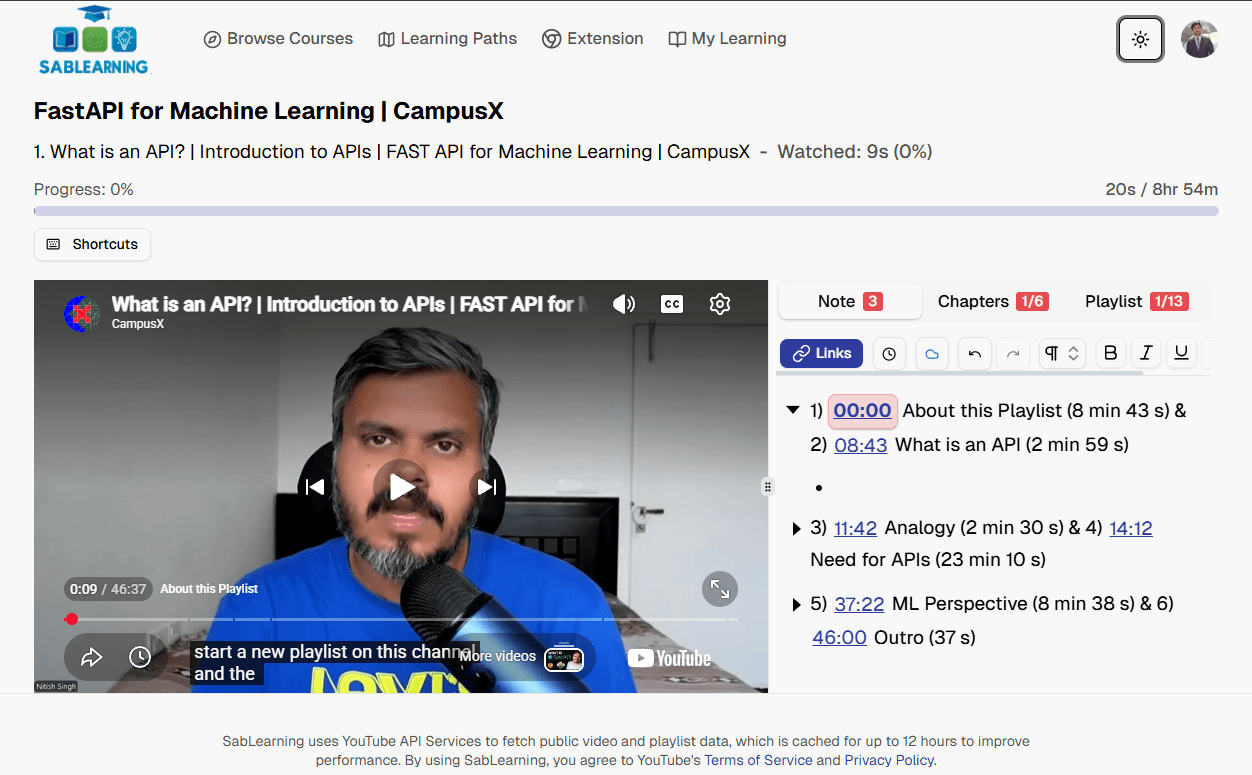
See SabLearning in Action
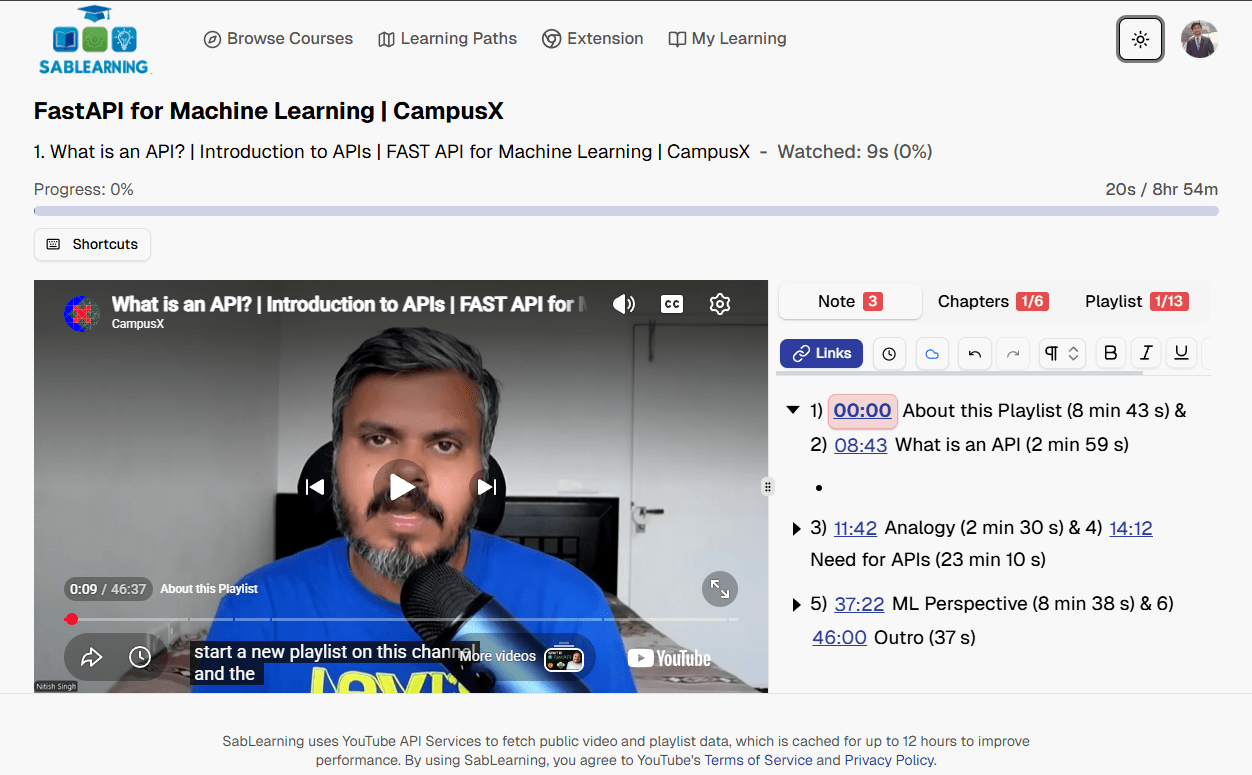
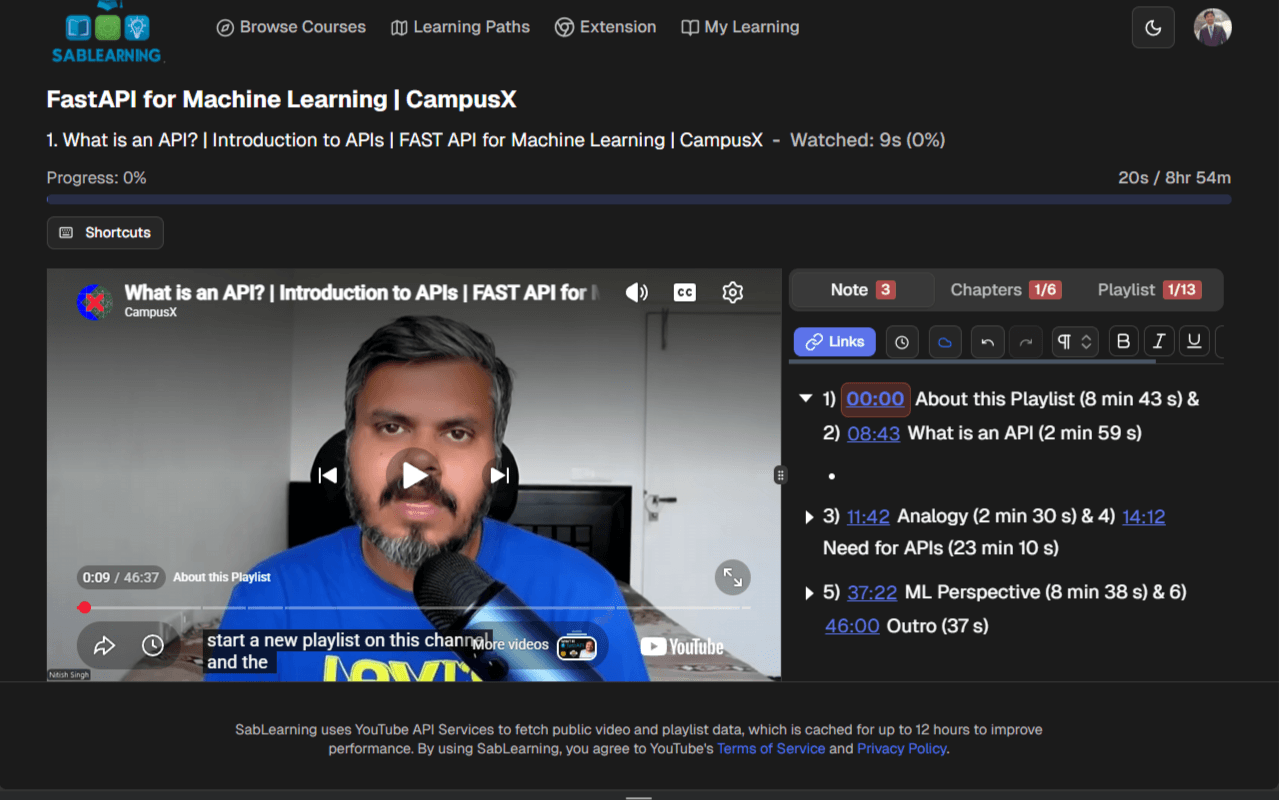
Playlist Learning with chapter notes
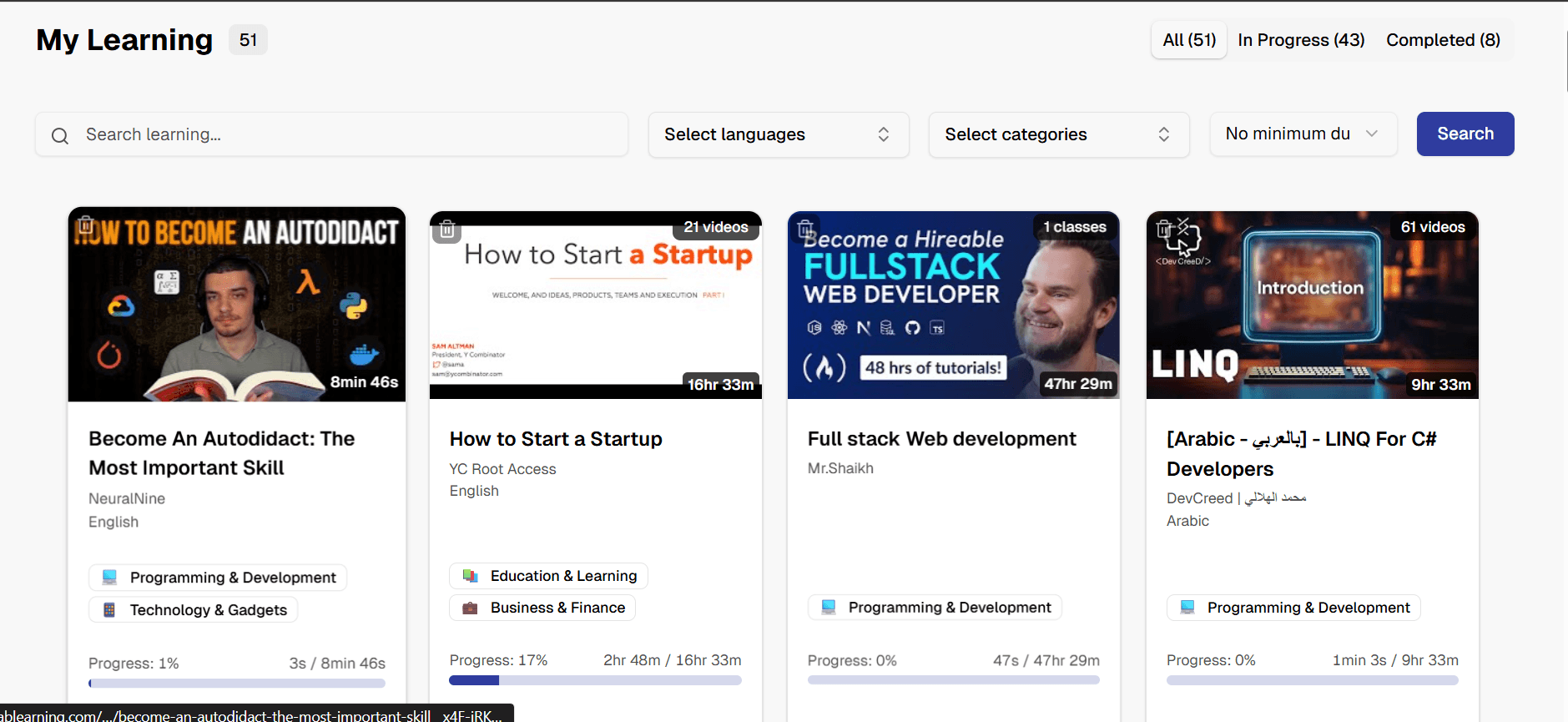
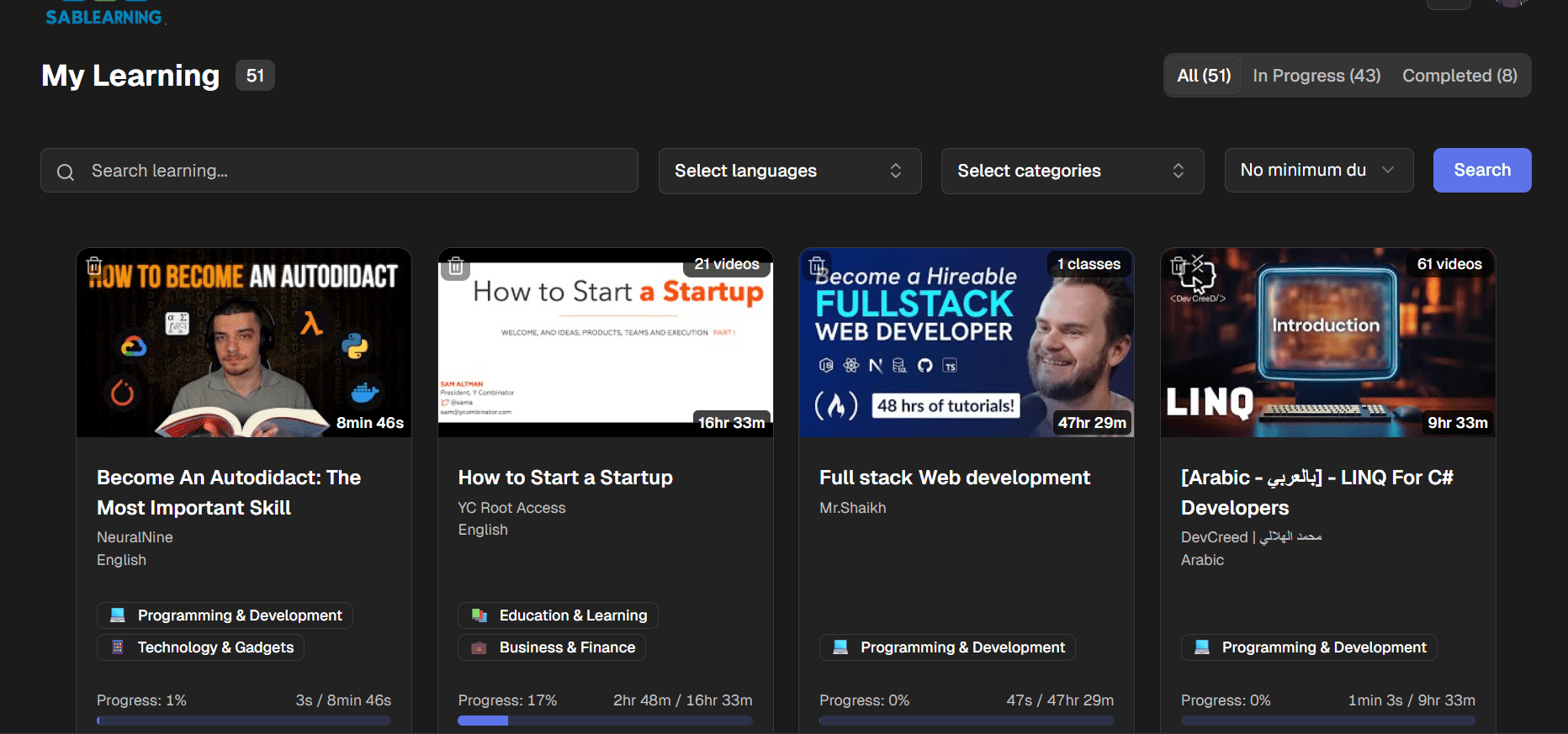
Learning Dashboard
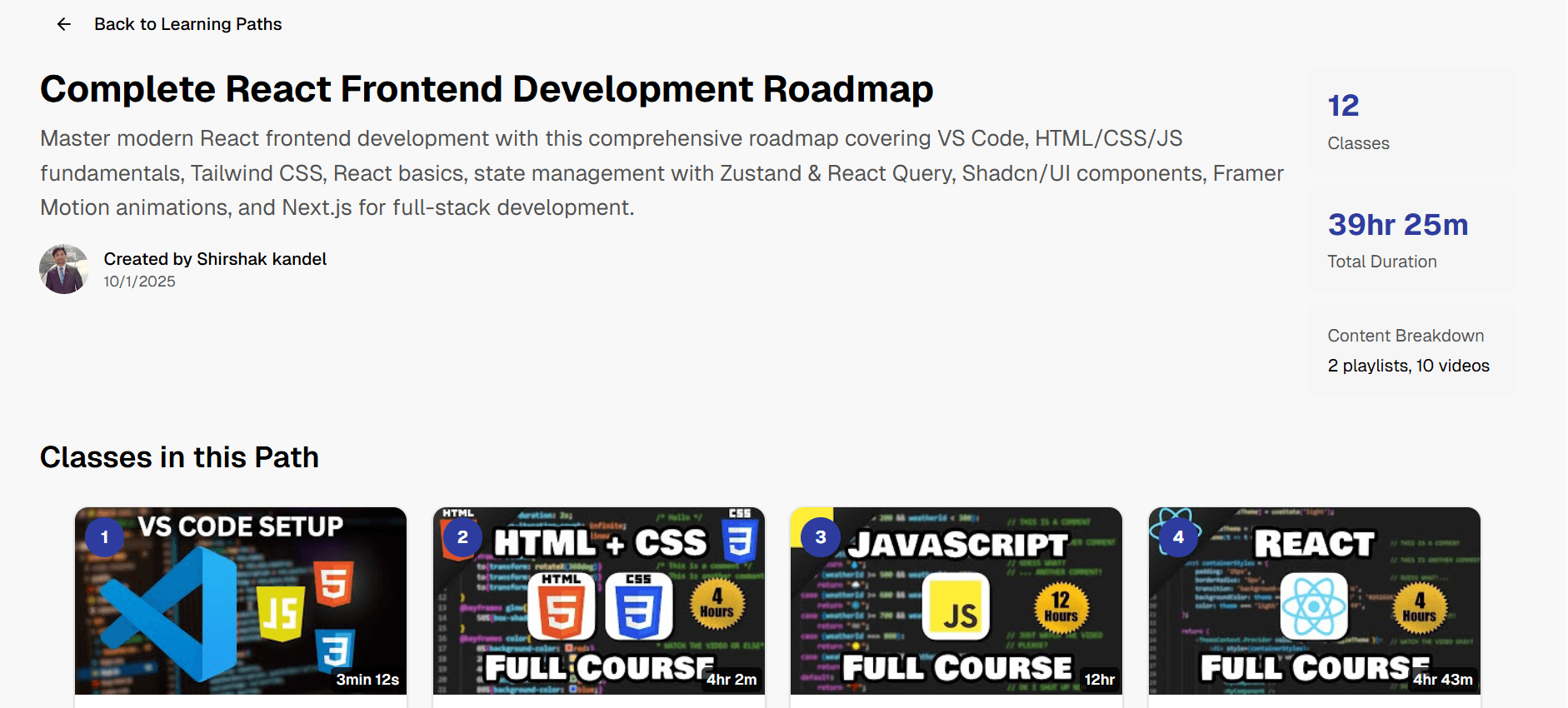
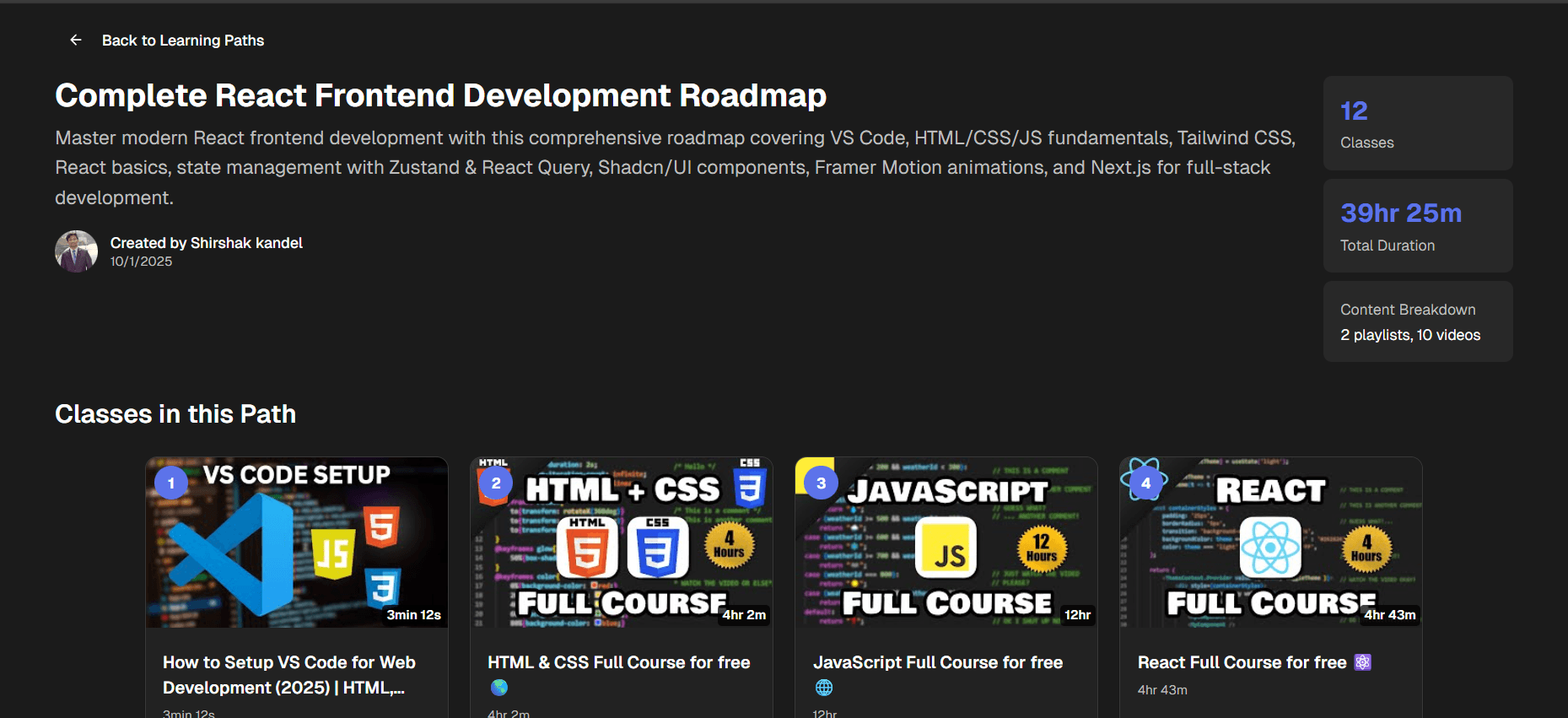
Learning Path classes Demo
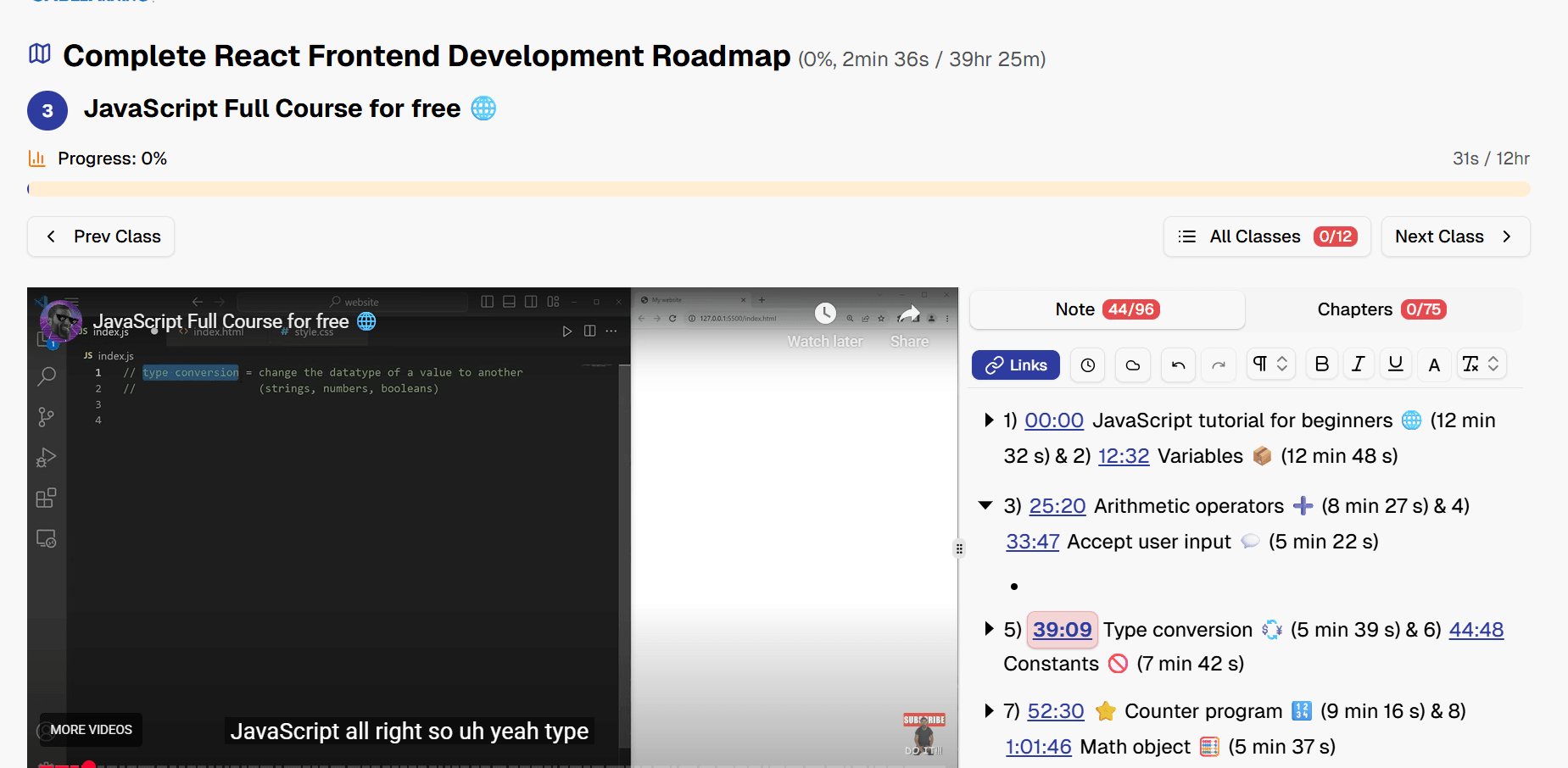
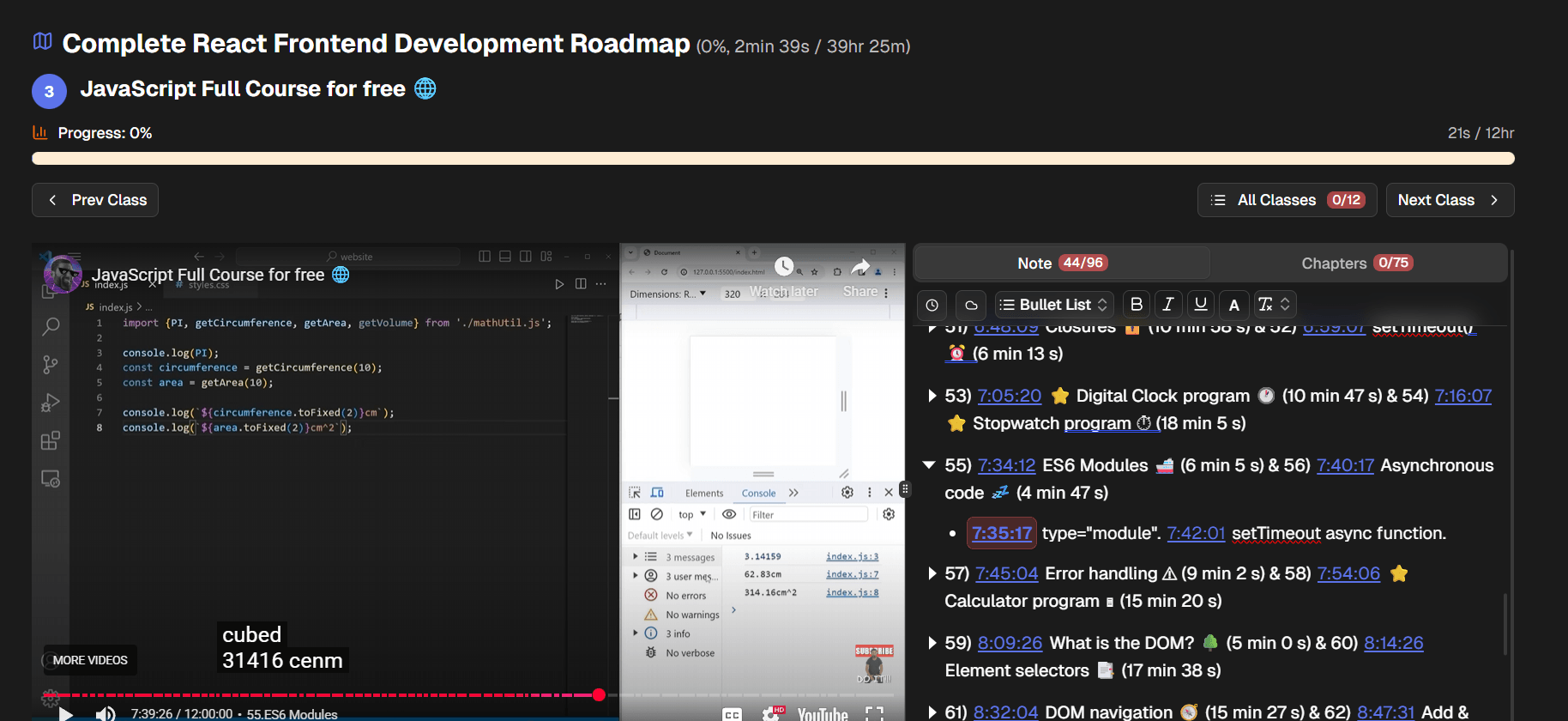
Video class of Learning Path
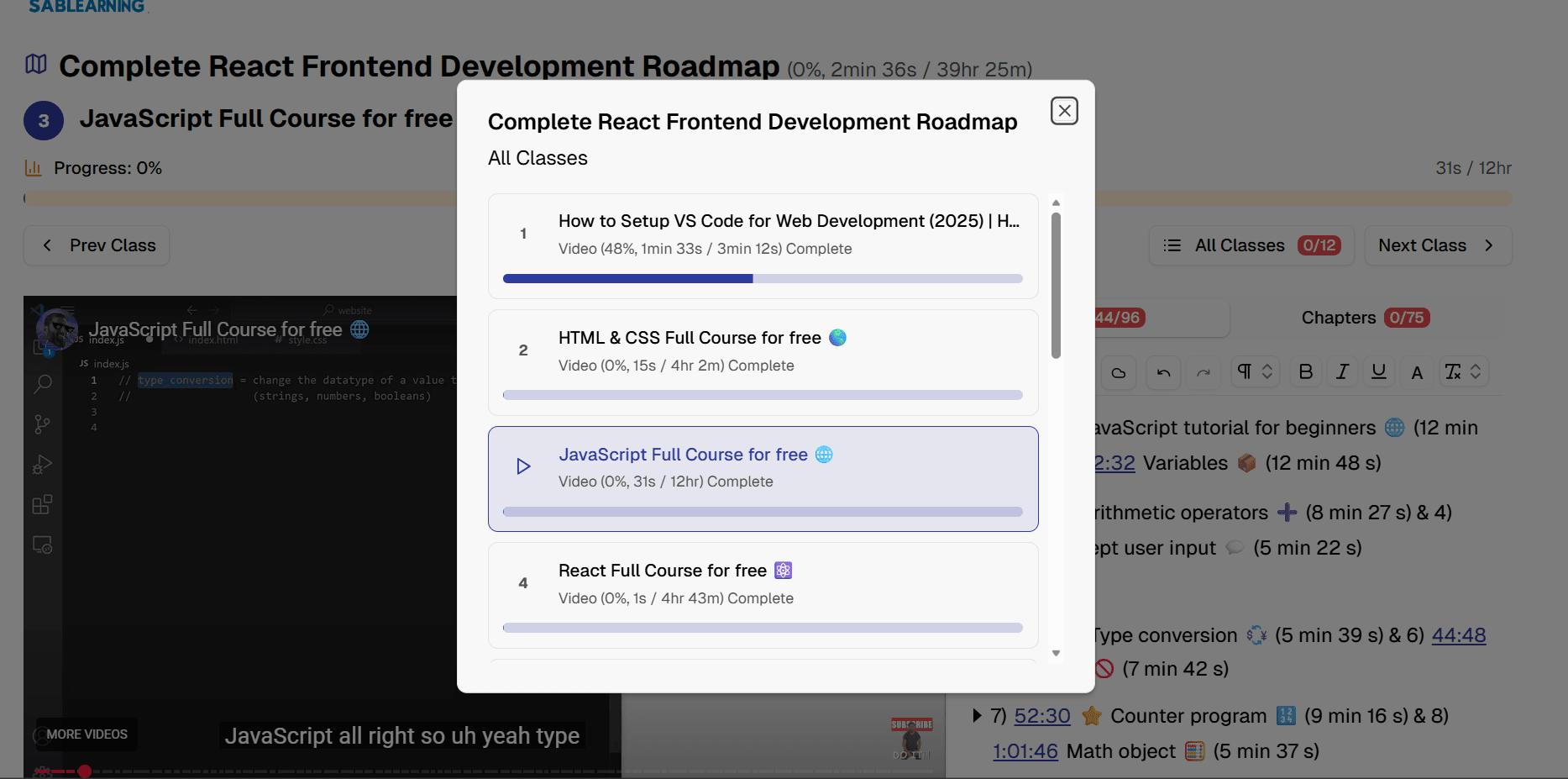
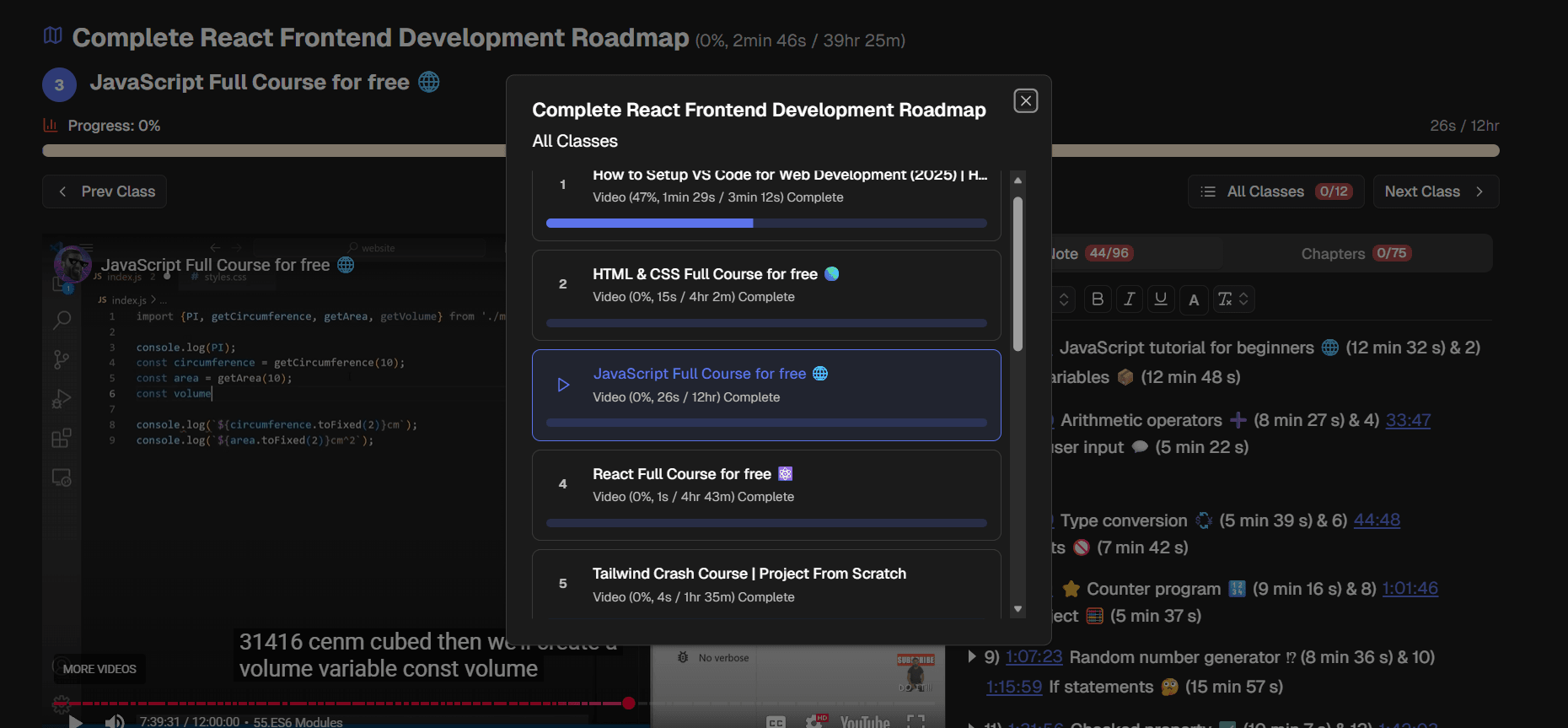
View of all classes of path
Career Fields & Job Roles
From software engineering to civil engineering, cybersecurity to finance — explore courses organized around real careers.
Your Learning, Organized
Everything you need to turn YouTube and curated content into structured career skills.
Frequently Asked Questions
Learn more about SabLearning
Is SabLearning free?
Yes. All core features are free: notes, progress tracking, learning paths, and course access. Creating an account adds cloud sync across devices.
Can I learn from any YouTube video or playlist?
On the web, SabLearning works best with public, embeddable YouTube videos — hidden or restricted videos may not be accessible. If you use our Chrome Extension, you don’t have those limitations and can learn from virtually any YouTube video or playlist.
How do course and learning path work on SabLearning?
Admins and editors can add courses and learning paths directly. Regular users can submit videos or playlists they are learning from — an admin reviews and approves submissions before they appear in the course catalog. Learning paths are structured courses that combine multiple YouTube videos and playlists into organized educational journeys. Users can create private or public paths from any content.
Do I need to create an account to use SabLearning?
No account is required. SabLearning works offline-first: your notes and progress are stored locally in your browser. Creating a free account only adds cloud sync so you can pick up where you left off on another device.